Posts

Showing posts with the label Ideamart

Create your first application on Dialog ideabiz platform
Image
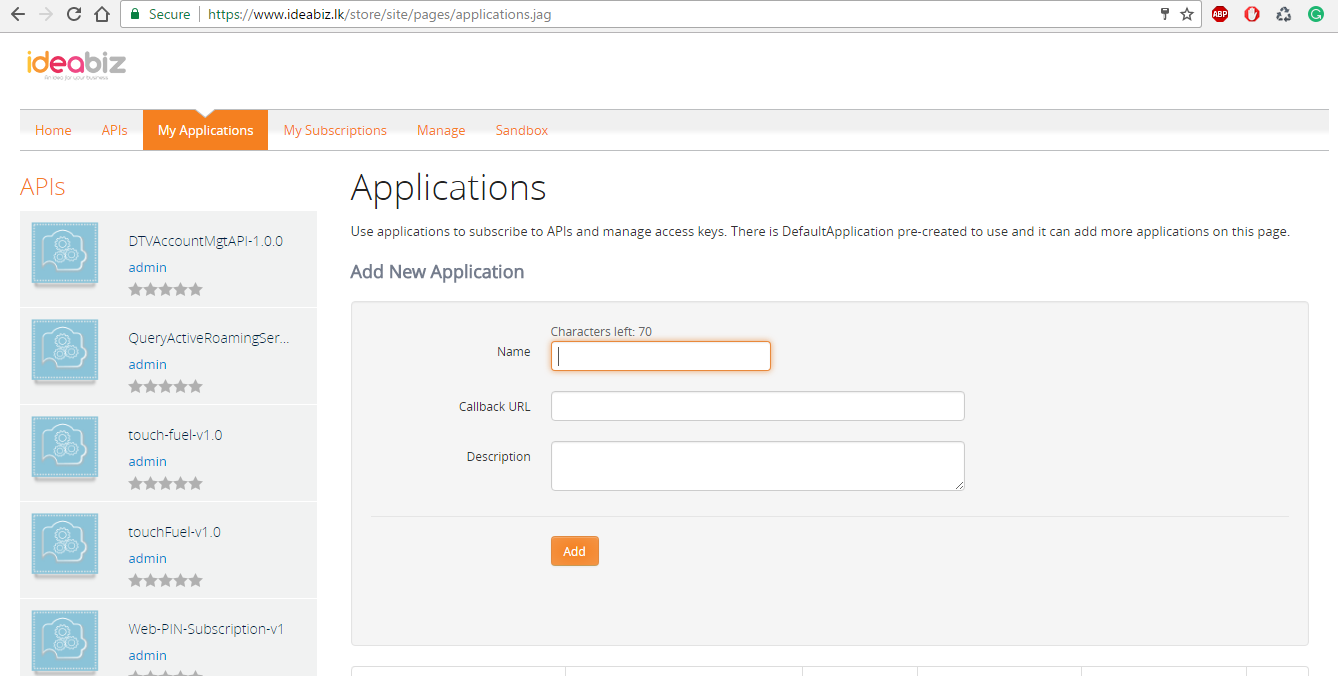
Hi folks, ideabiz is an API management platform which is open to the enterprise. This time we are going to create an application to send digital rewards(Send mobile data as rewards) to the users. You need to have an organization which is registered under the rules and regulations of SL to get services from Dialog ideabiz platform. First you need to contact the team and discuss the business plan. This post will discuss how to create an application on the platform. Once you are done with the business process, create an application on ideabiz.lk. Then request admins to approve it. Once you get the approval, please subscribe to Digital rewards and SMS APIs. If I brief you about APIs, Digital rewards allow you to reward your customers, users by Mobile data or by SMS. SMS API allow you to send/receive SMS to the customers / users. You need to get the approval for the subscribed APIs as well. When you asked for the approval, please provide relevant URLs for MO/MT message...
Creating widgets using ISayYouDo platform

Image
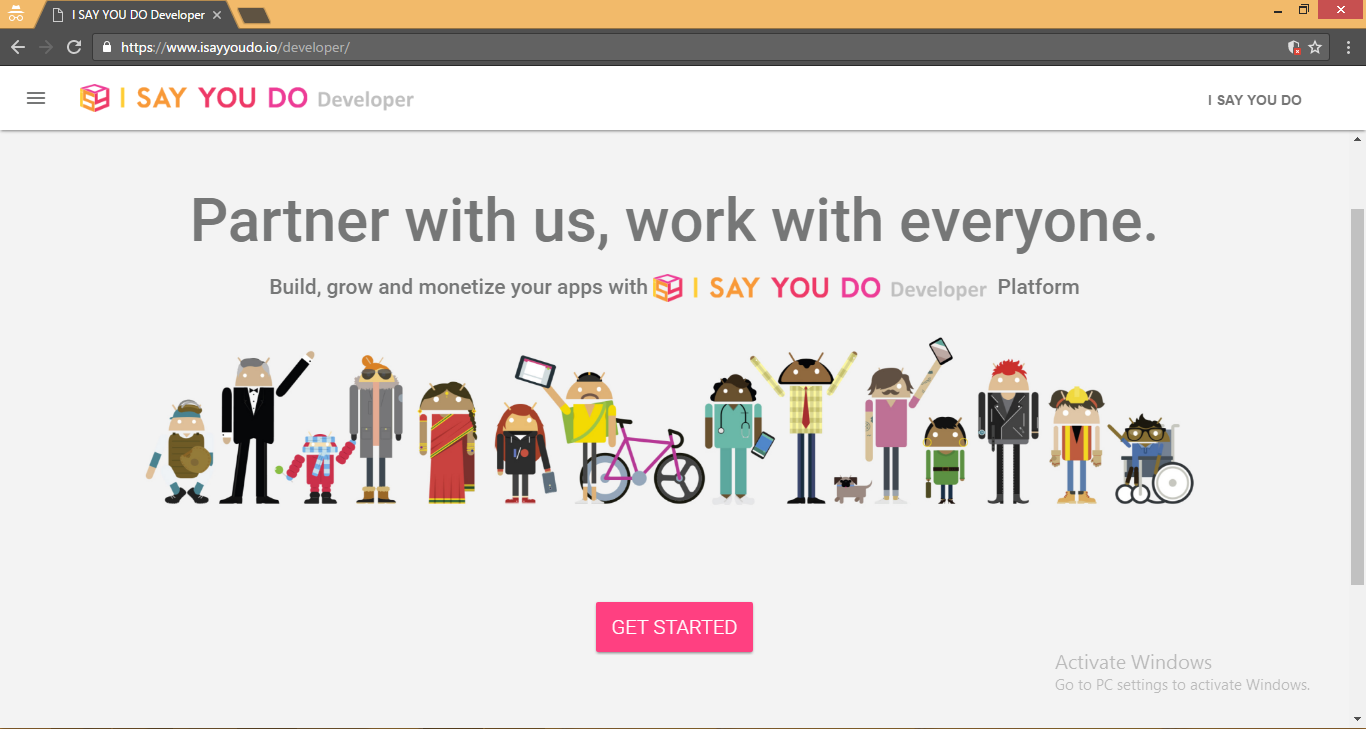
Hi folks, ISayYouDo is a web-based service which allow users to create chains of recipes(conditional statements), which are triggered based on changes to other web services. This time I’m going to explain how to use ISayYouDo platform and create simple widgets. Let’s start, Type www.isayyoudo.io/developer/ in your browser. It’ll direct to above mentioned page. Let’s get started by clicking the button. Once you logged in using the credentials, it’ll show the below page. ISayYouDo is a platform where developers can build Say Boxes. Here I’m going to create an application to send lottery results via SMS. The logical conditions of the application is, if user wants to get lottery results for selected lotteries, then he/she needs register to the application through ISYD(www.isayyoudo.io). Here we have to create say boxes for each command(for Input and the Output). Let’s call them In say box and Out say box. Once those boxes are created we need to map each other to co...

Provisioning your application on Ideamart

Image
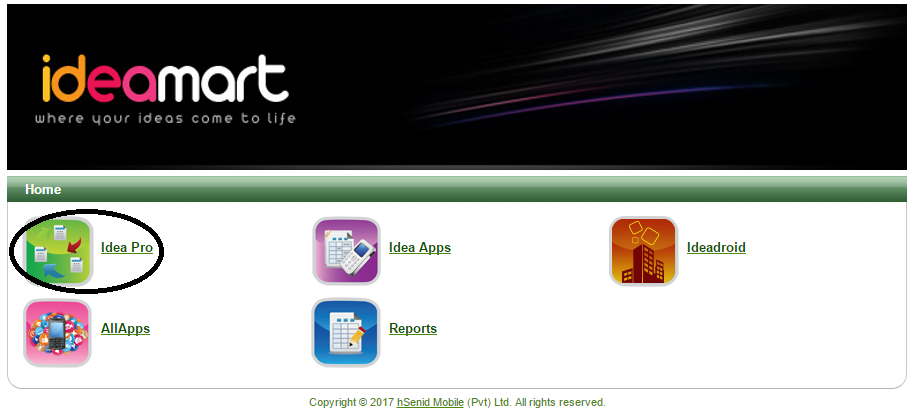
Hi folks, This time we are going to discuss how to provision your application on Ideamart. Type www.ideamart.dialog.lk on the browser and sign in to the portal using mobile connect. I’m going to create an application to find anyone you want within SL. Figure 01 Let’s select IdeaPro from the home page. Figure 02 Now select create application. Figure 03 Let’s fill these basic information. 1. Application Name:- Needs to be alphanumeric at least 4 entries, not more than 9 entries. 2. Application Description:- This helps ideamart team to approve your application. Write a short description here about the application. 3. Allowed IP addresses:- You need to fill the IP address of the server you are using to host the files. Since I’m using hosting space provided by ideamart, I get the IP by pinging to the server Figure 04 (If the anyone needs to request hosting space from ideamart, send the below mentioned details to devsupport@ideama...

Running IdeaMart Simulator on Ubuntu

Image
After few months of silence, here I’m back :D This time I’m trying to give the explanation to one of the trending questions in ideamart Facebook group. Few of the developers recently asked questions on running the ideamart simulator in Ubuntu. First you need to download the bundle package from ideamart website and to run the simulator need to setup the java virtual environment as well. – Install Java in Linux http://www.java.com/en/download/help/linux_install.xml After Java installation the very first time when I try to run the simulator this is the response in the terminal. Since I’ve already installed java and test the environment, I’m sure the error is not related to java. :D When considering the files on 64-bit systems the 64 bit binary of the wrapper is attempted to be executed first and after this fails the 32 bit gets attempted to be loaded. But here the files were found and can’t be executed. Which means the files can’t be opened. So suddenly I remember the file permissions. Th...